
Run your centre in one place.
The timetable, attendance, homework, grades, parents and fees in one app. Owners, teachers, students and parents each sign in and see their part.
30 days freeNo card neededTeachers and parents are free
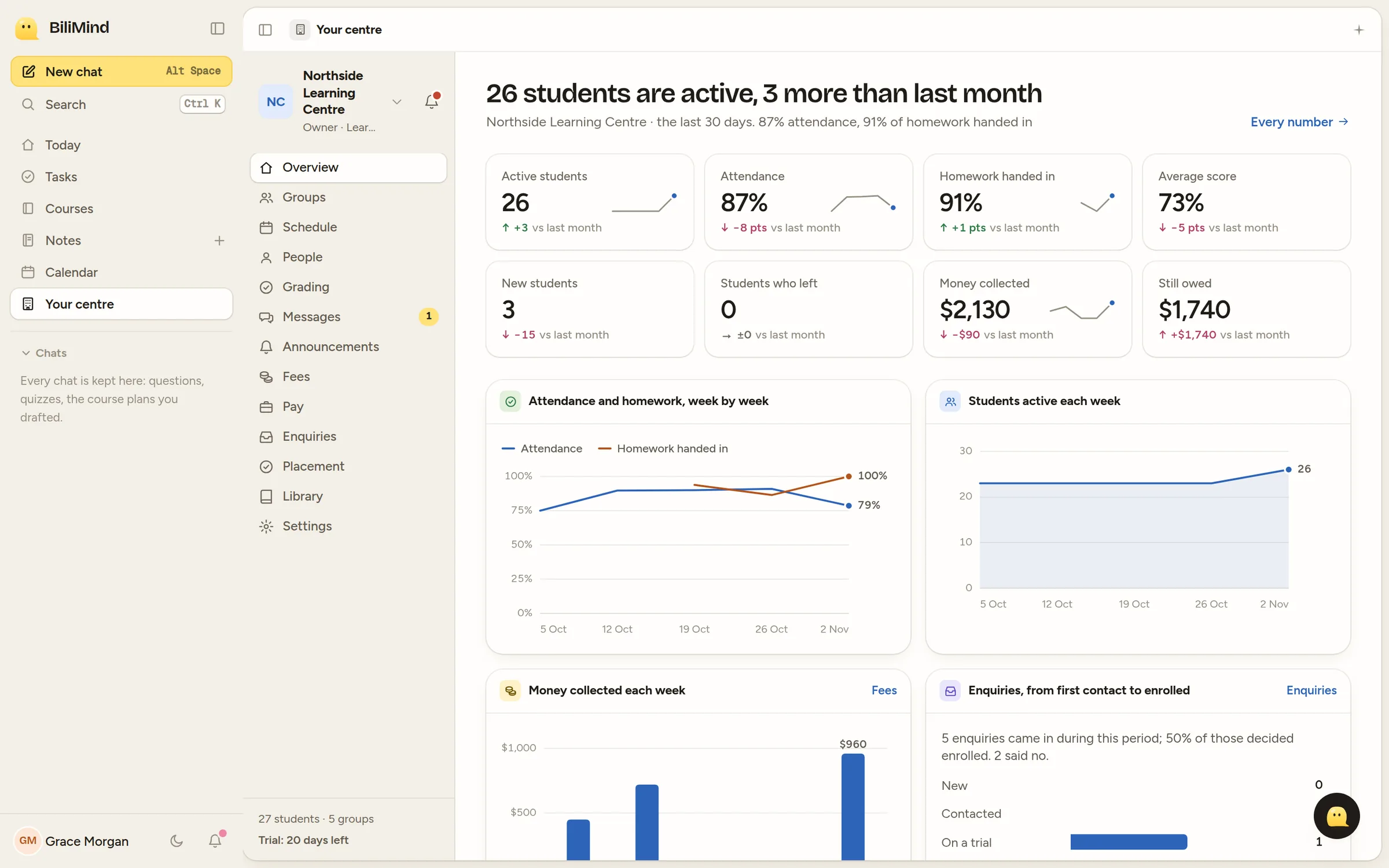
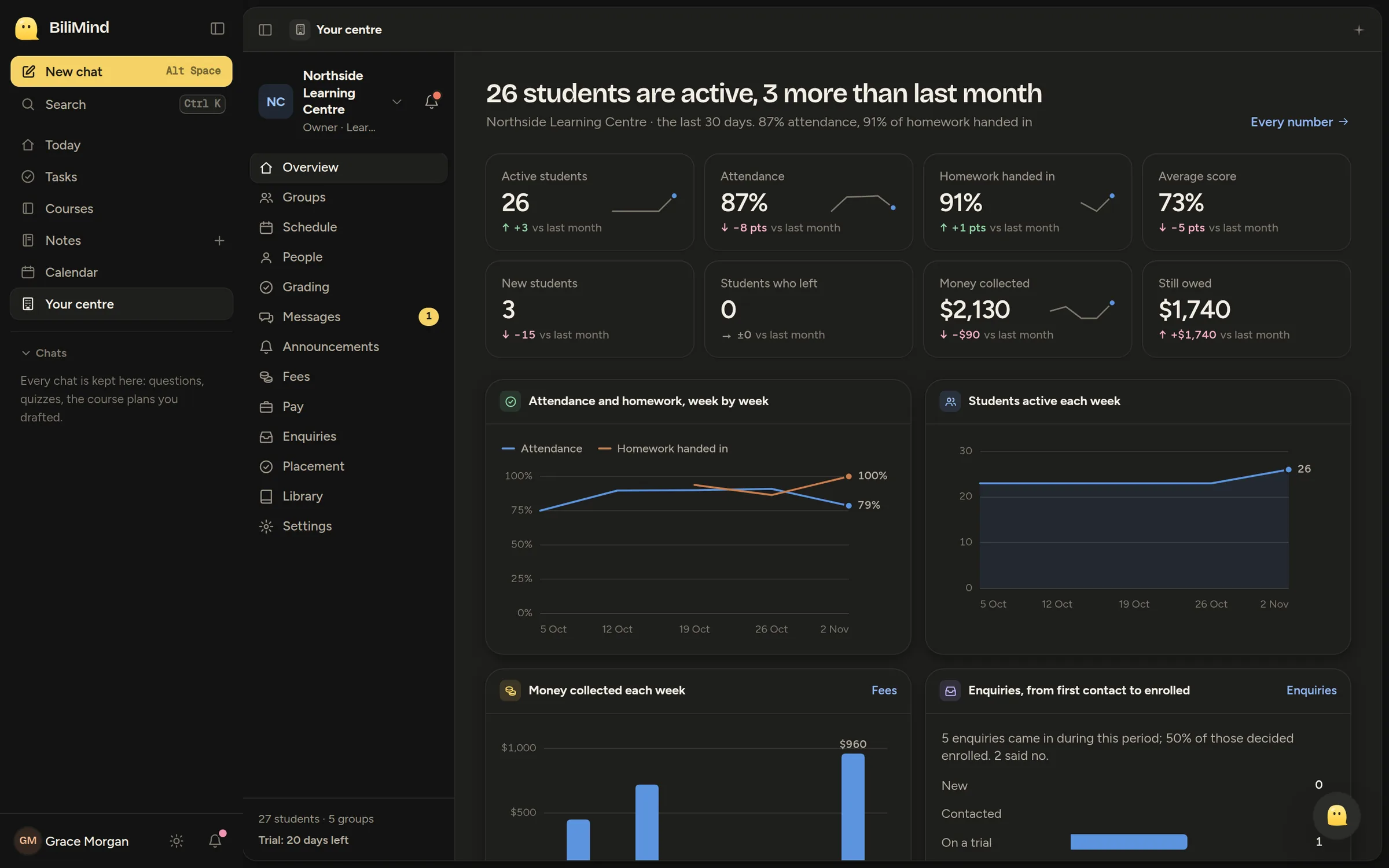
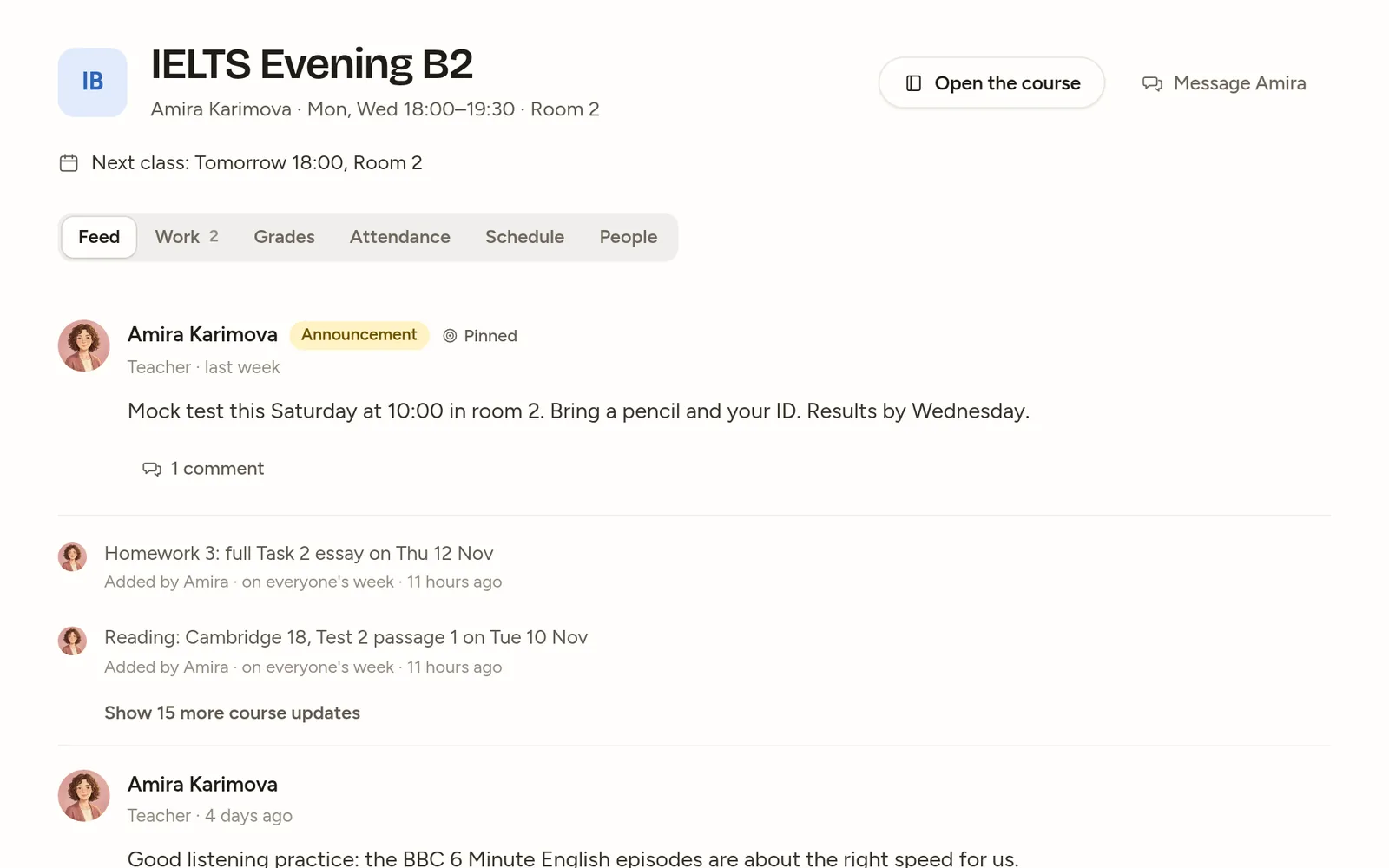
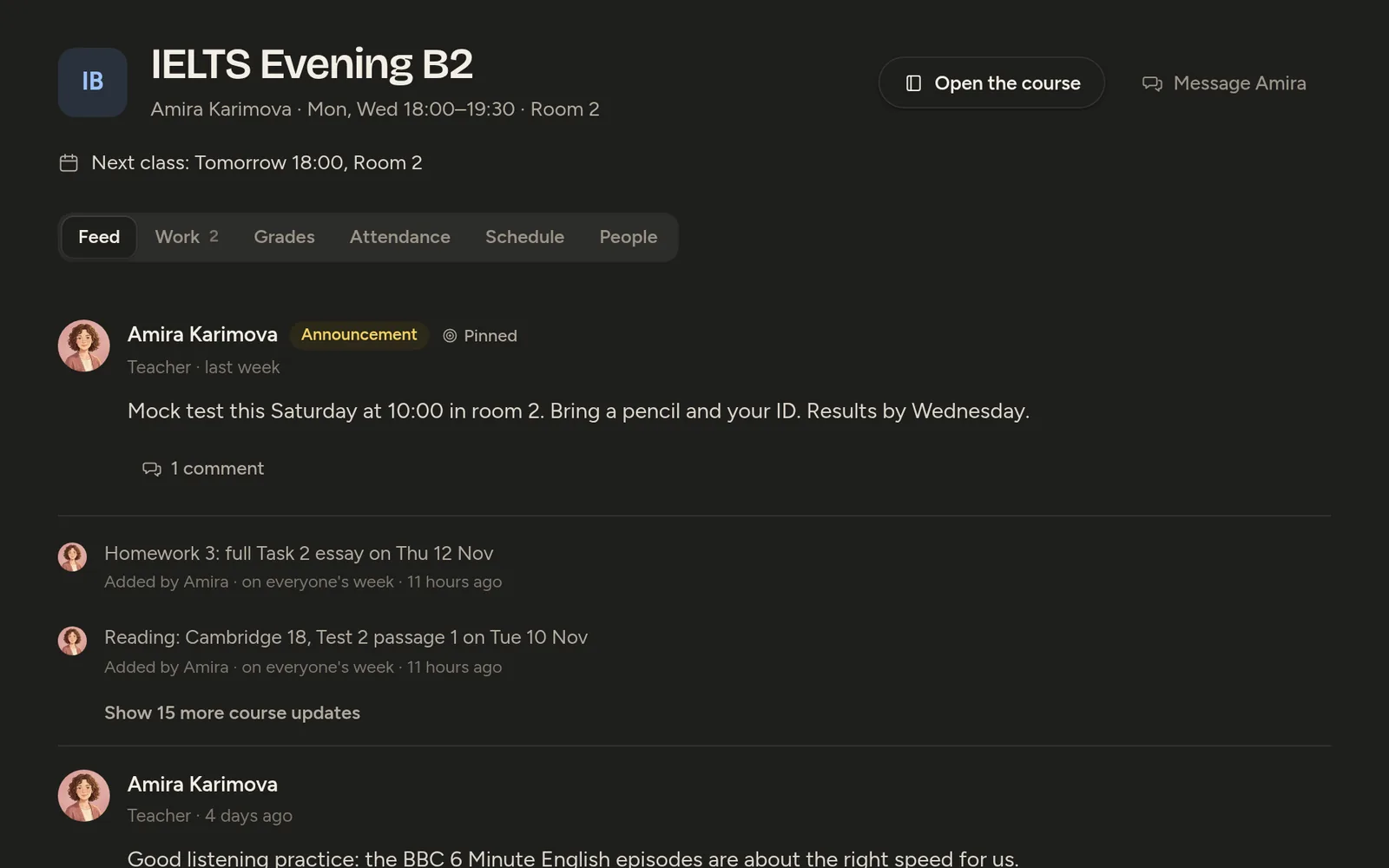
Every group has one page. Its whole class is there.
Open a group and its students, timetable, register, homework, marks and class feed are tabs on that page. Teachers stop switching between a spreadsheet, a group chat and a homework app.
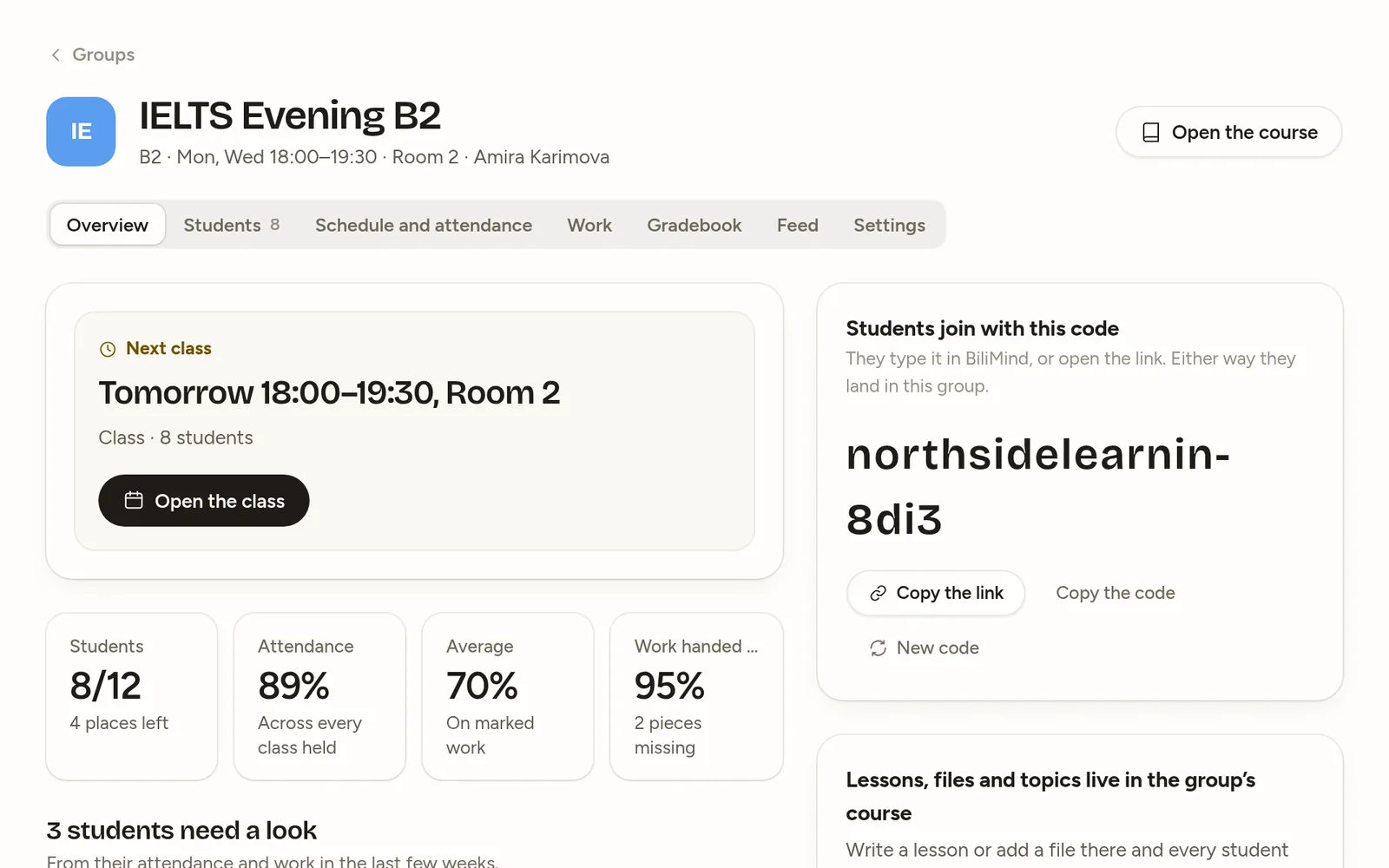
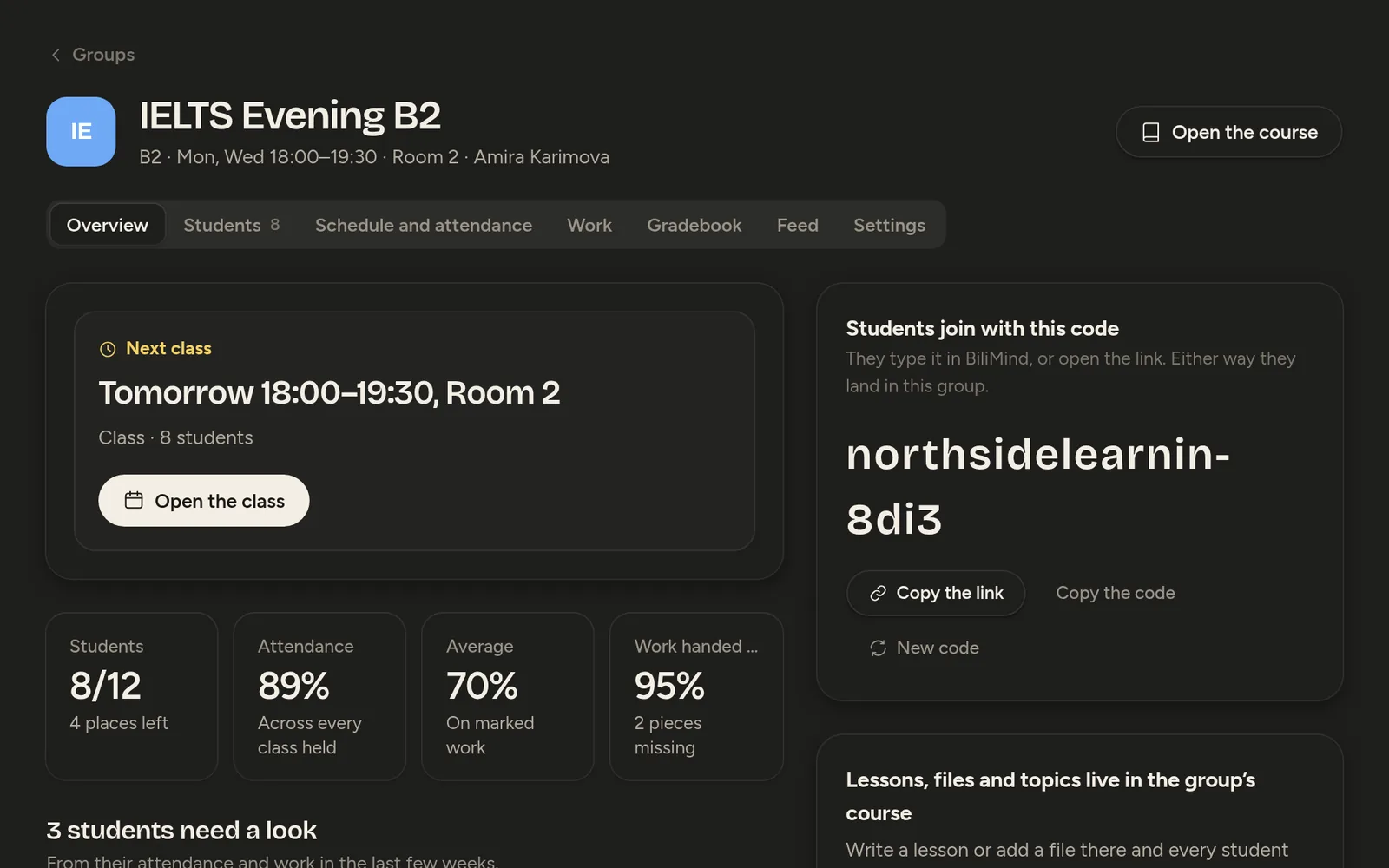
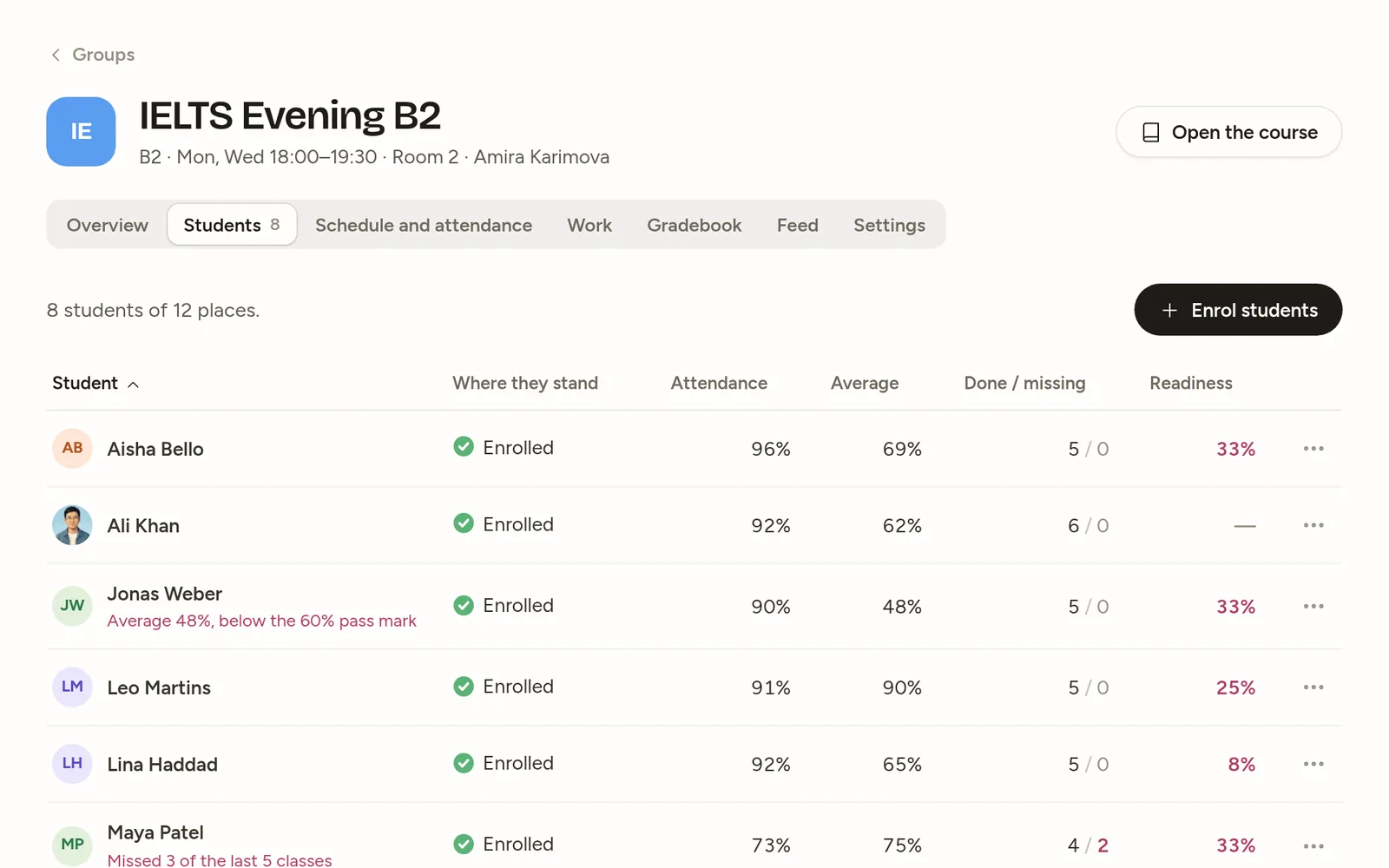
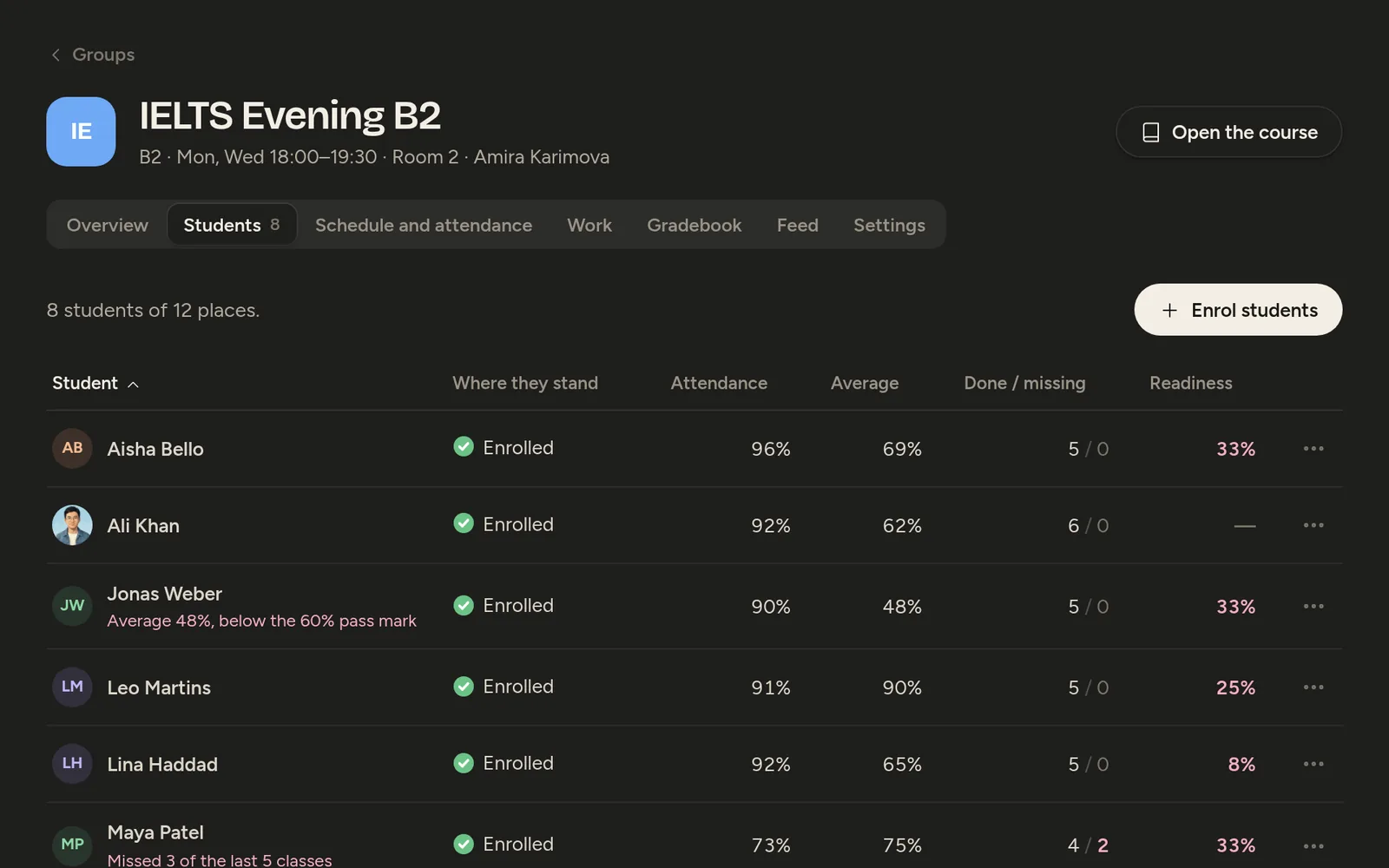
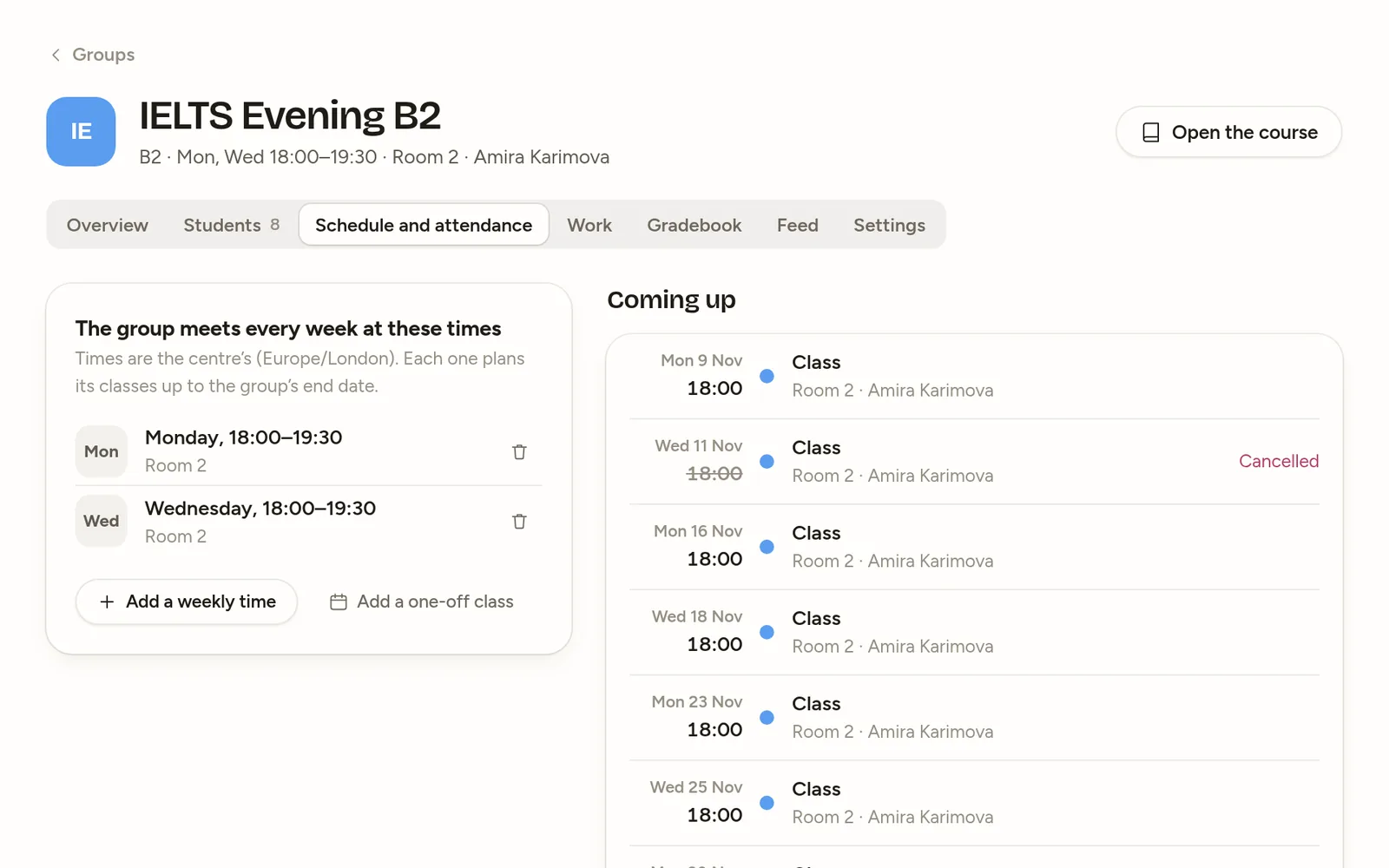
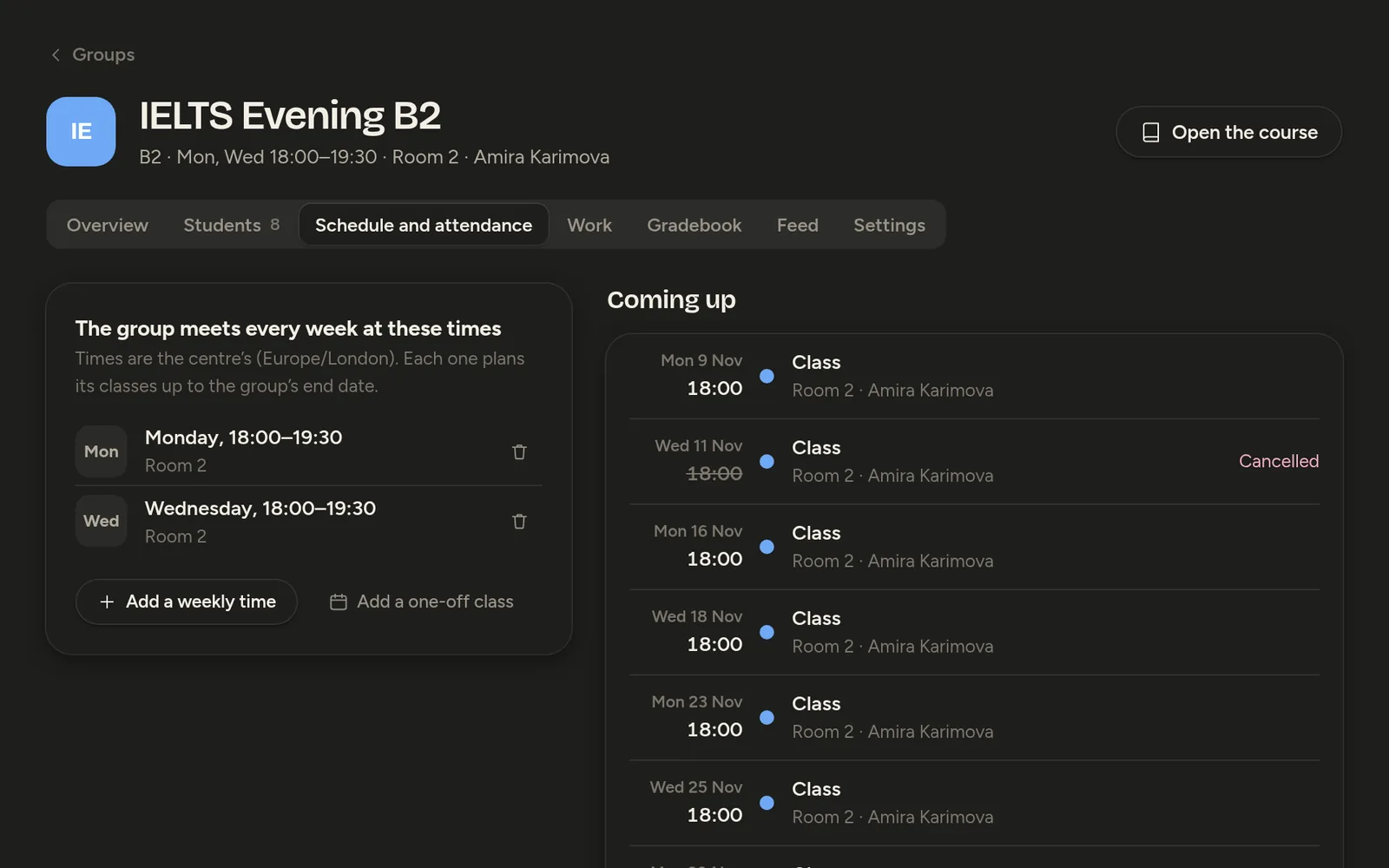
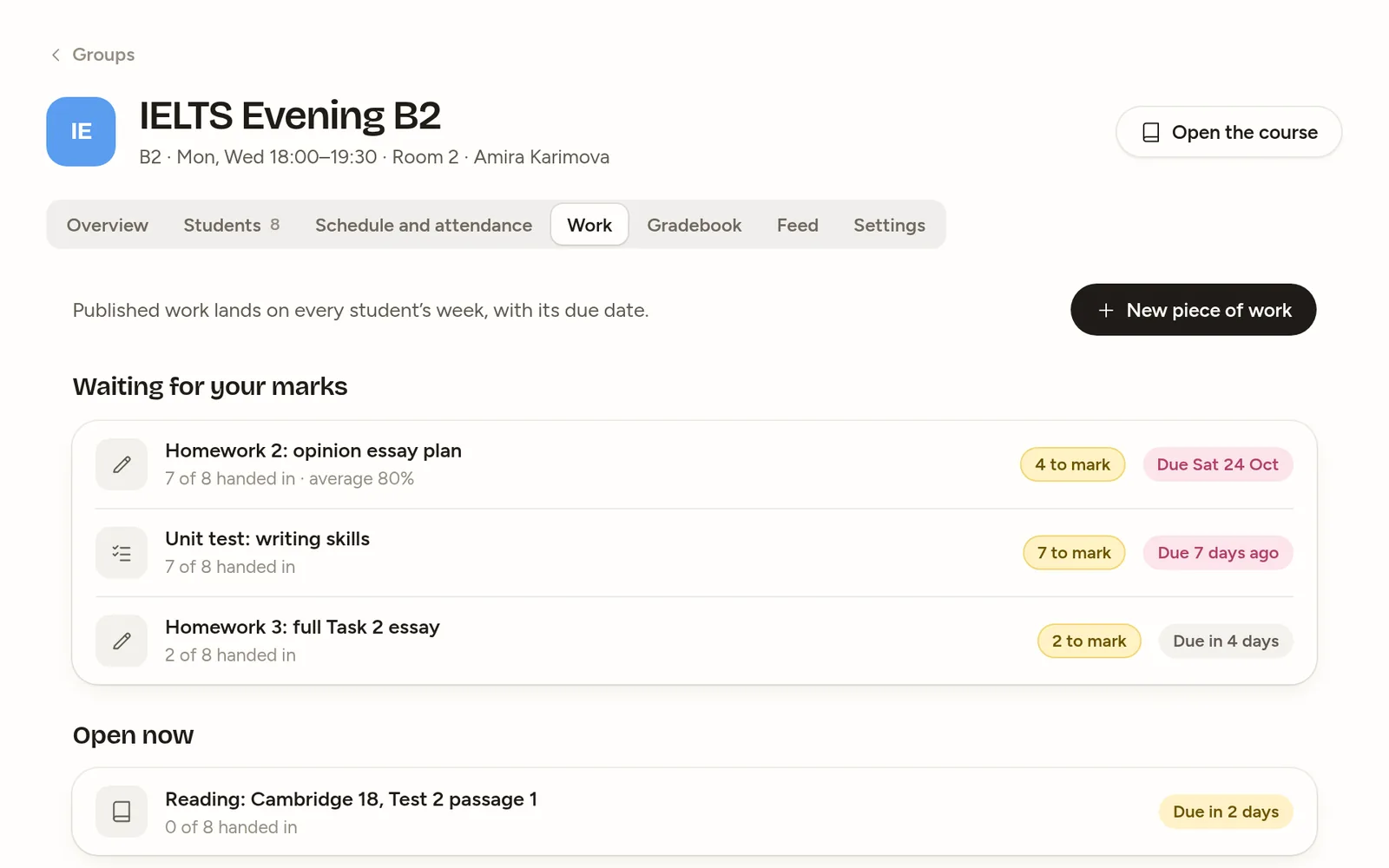
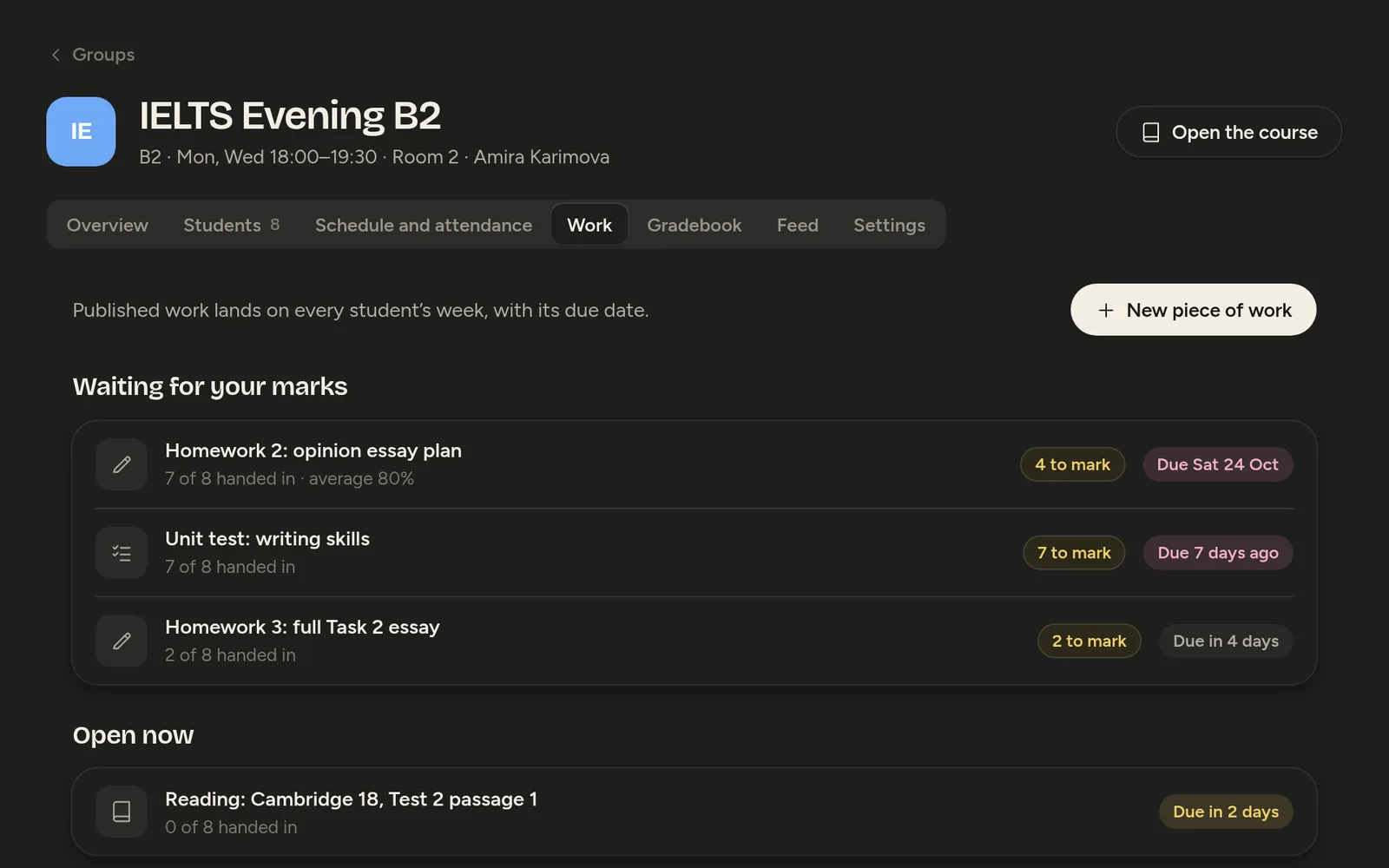
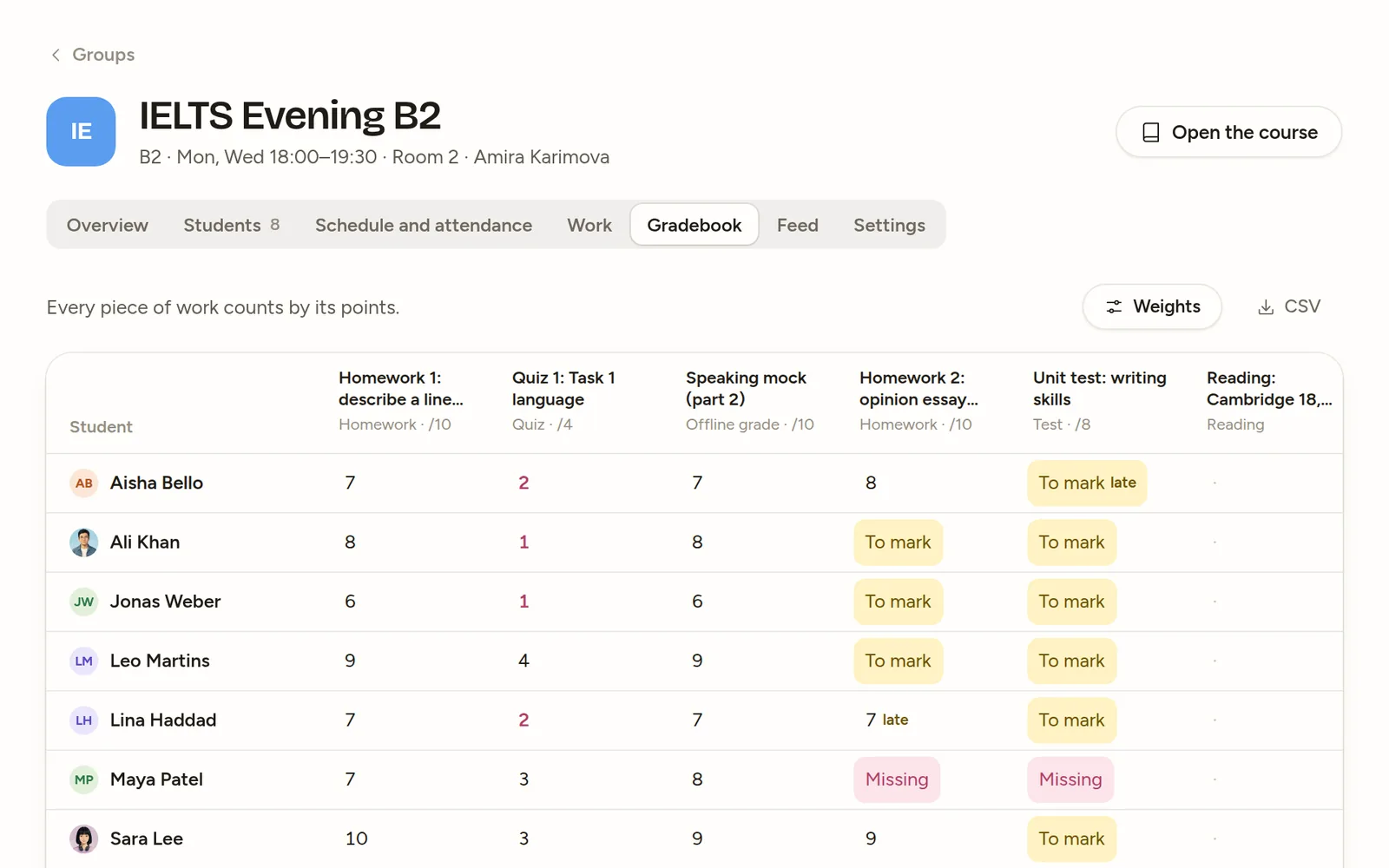
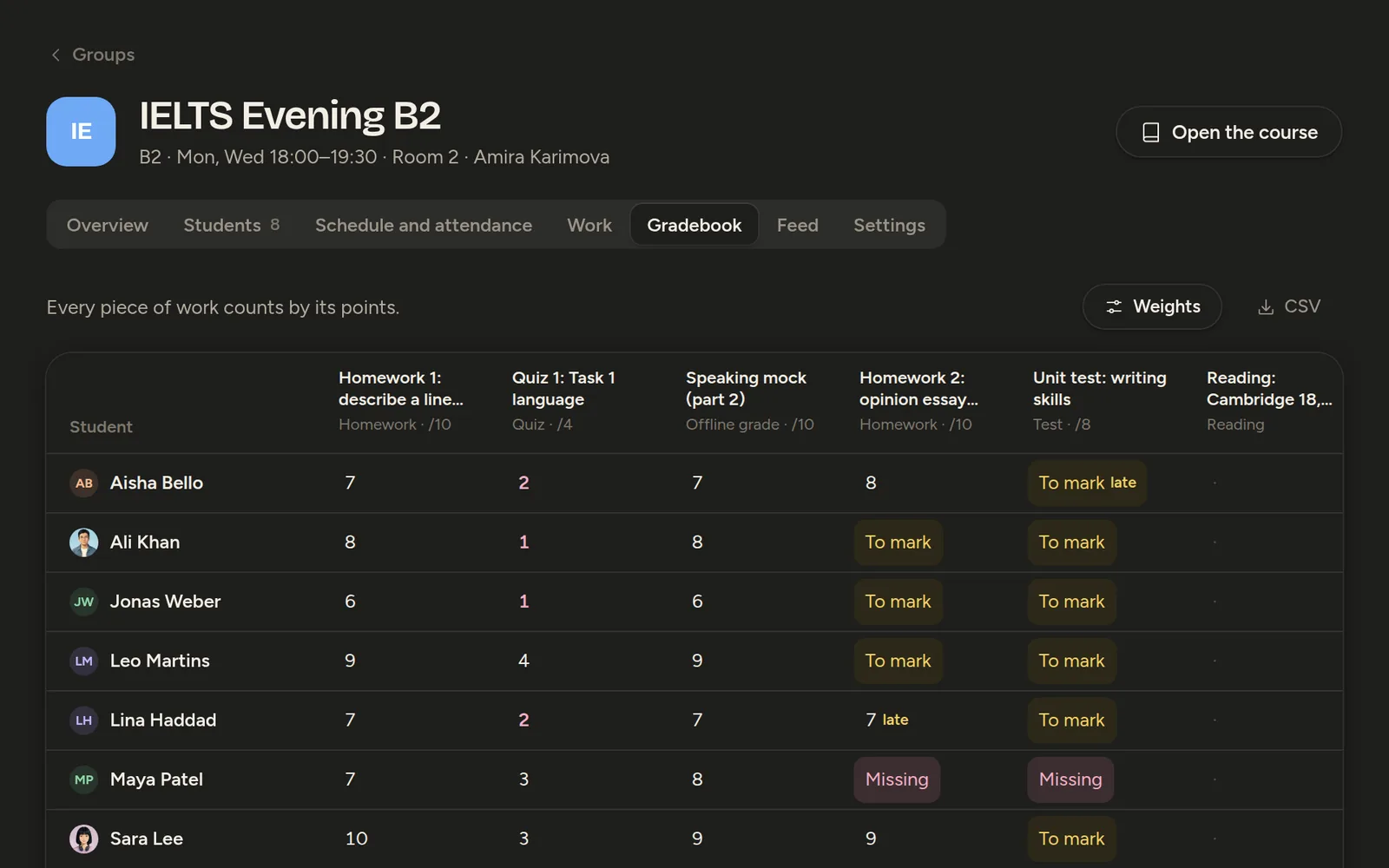
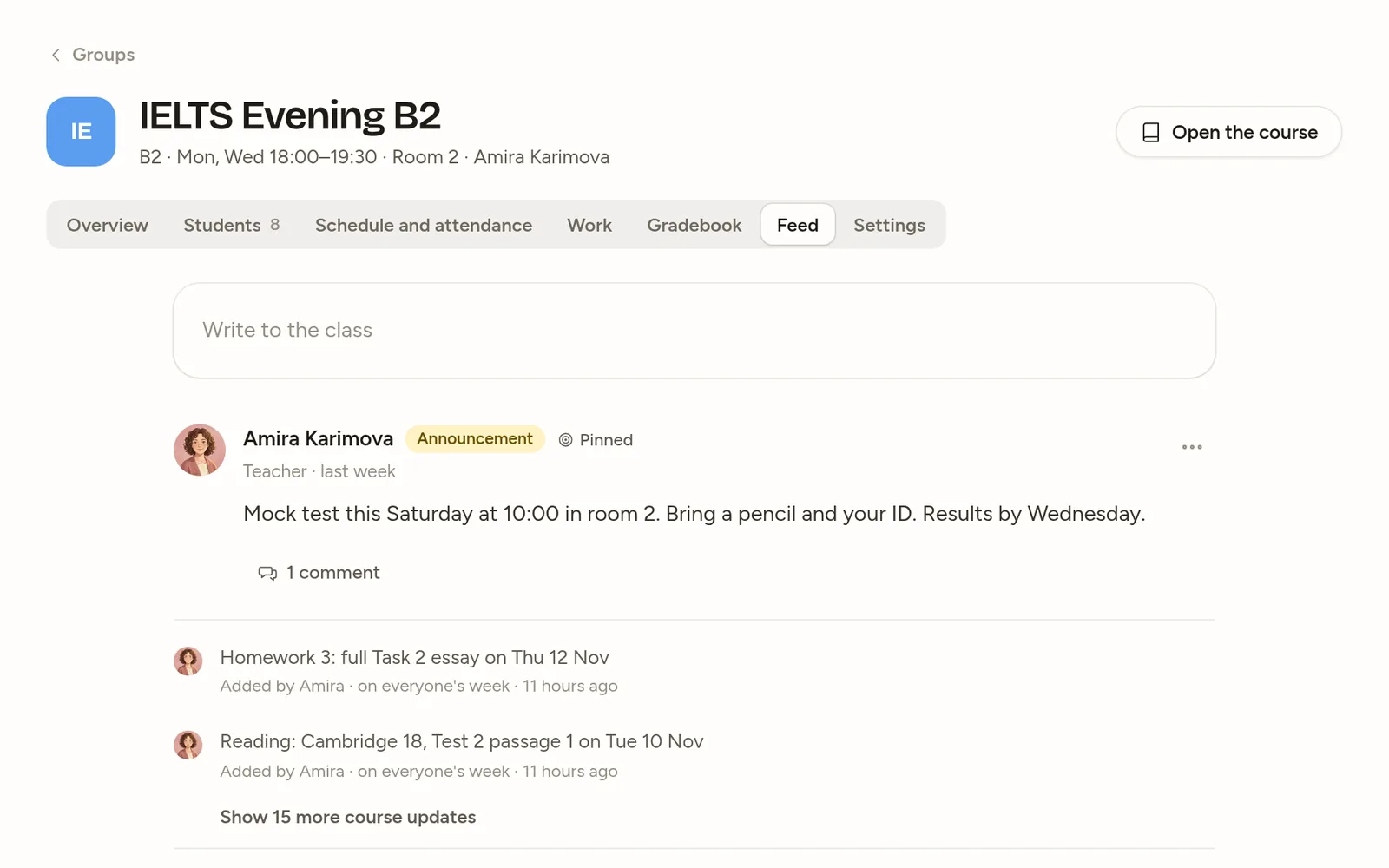
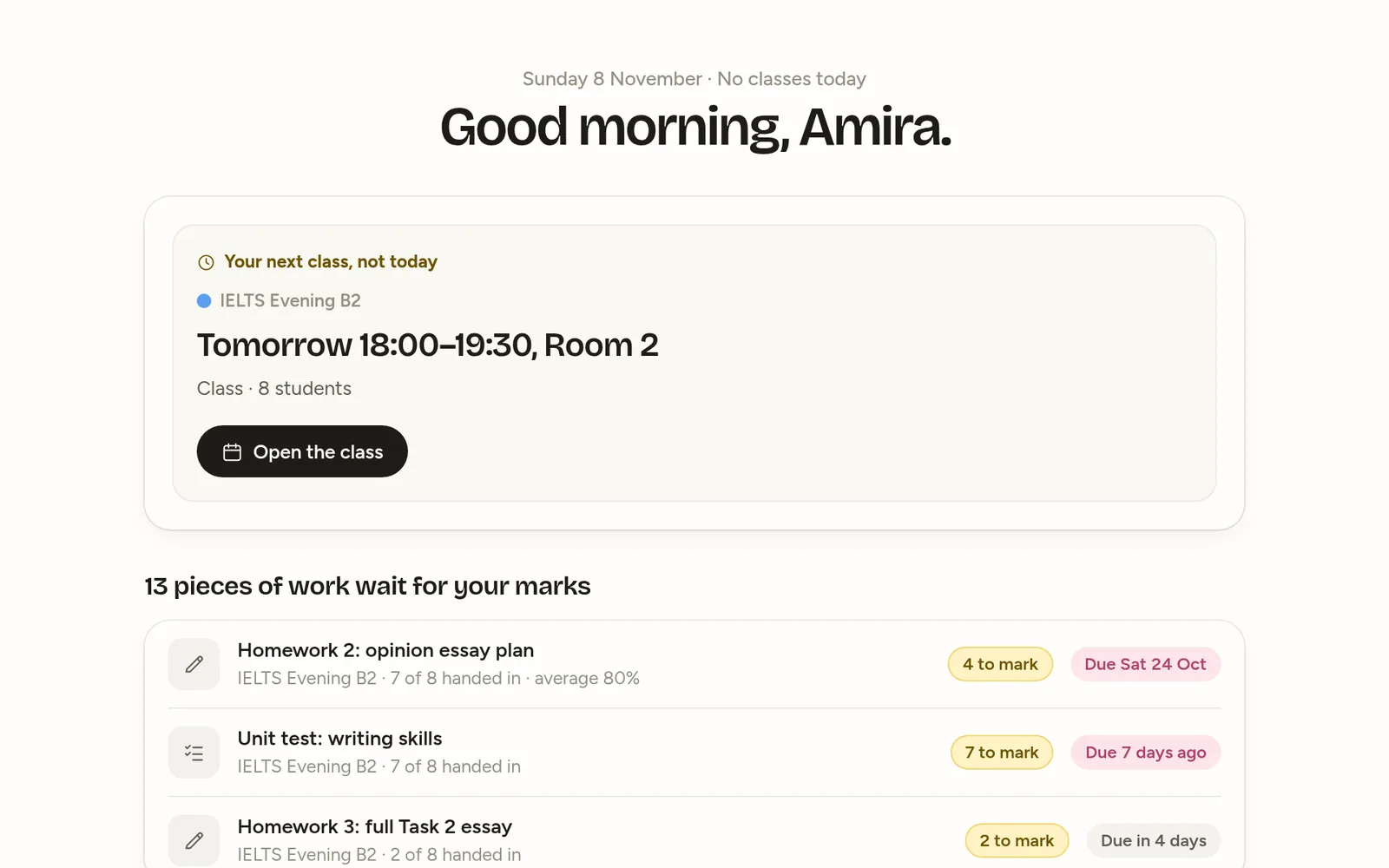
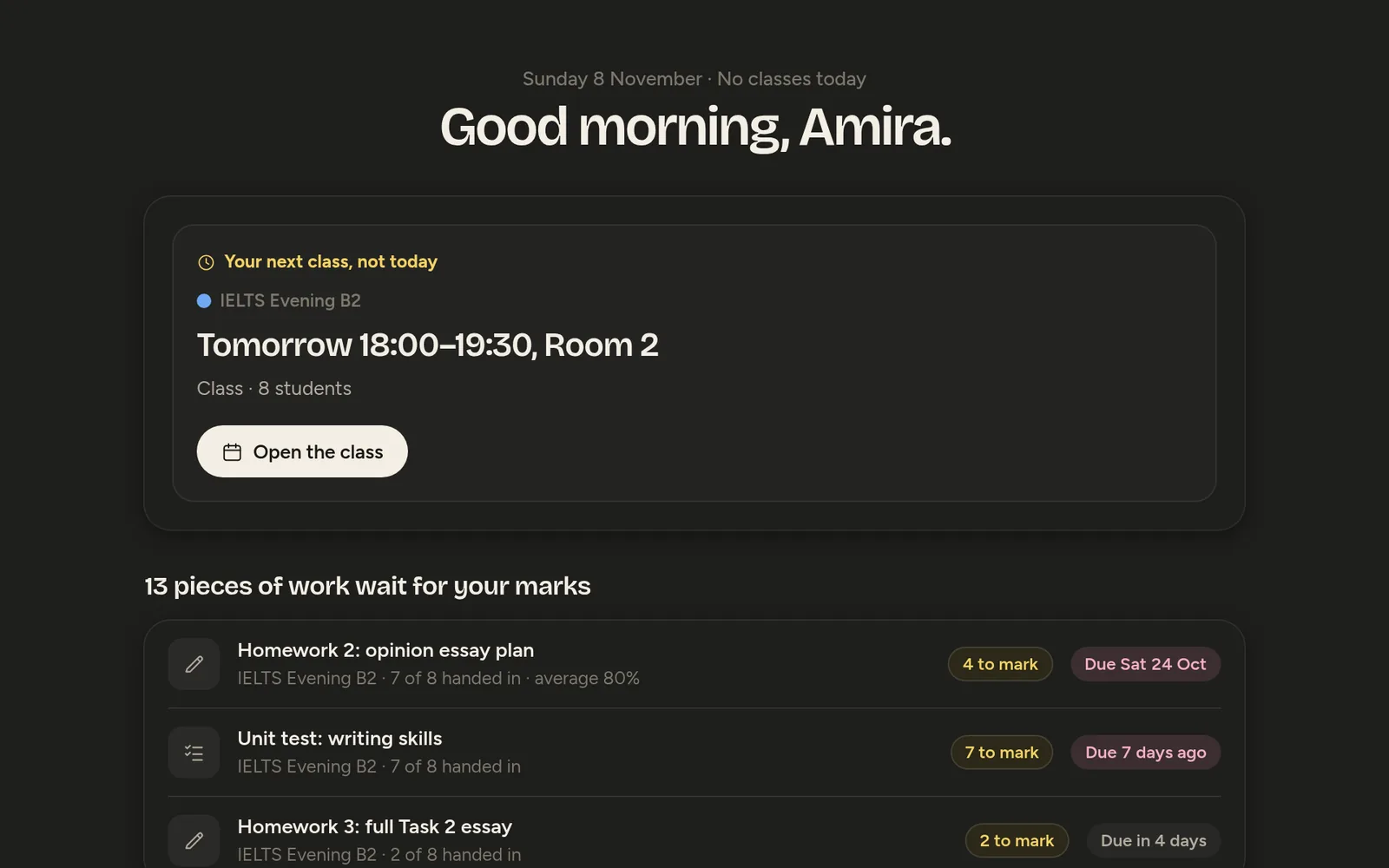
The next class, the students who need a look, and the code new students join with.
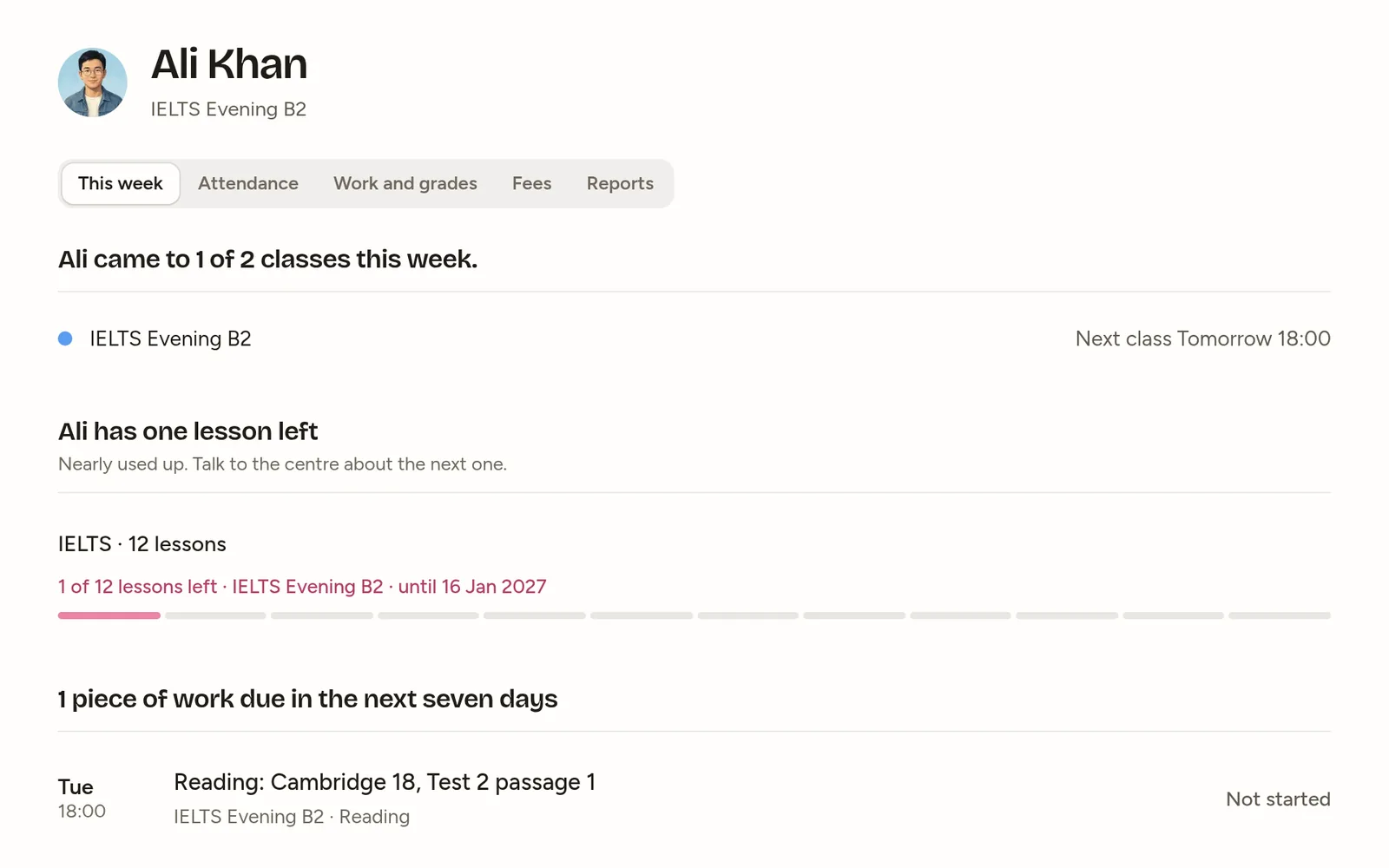
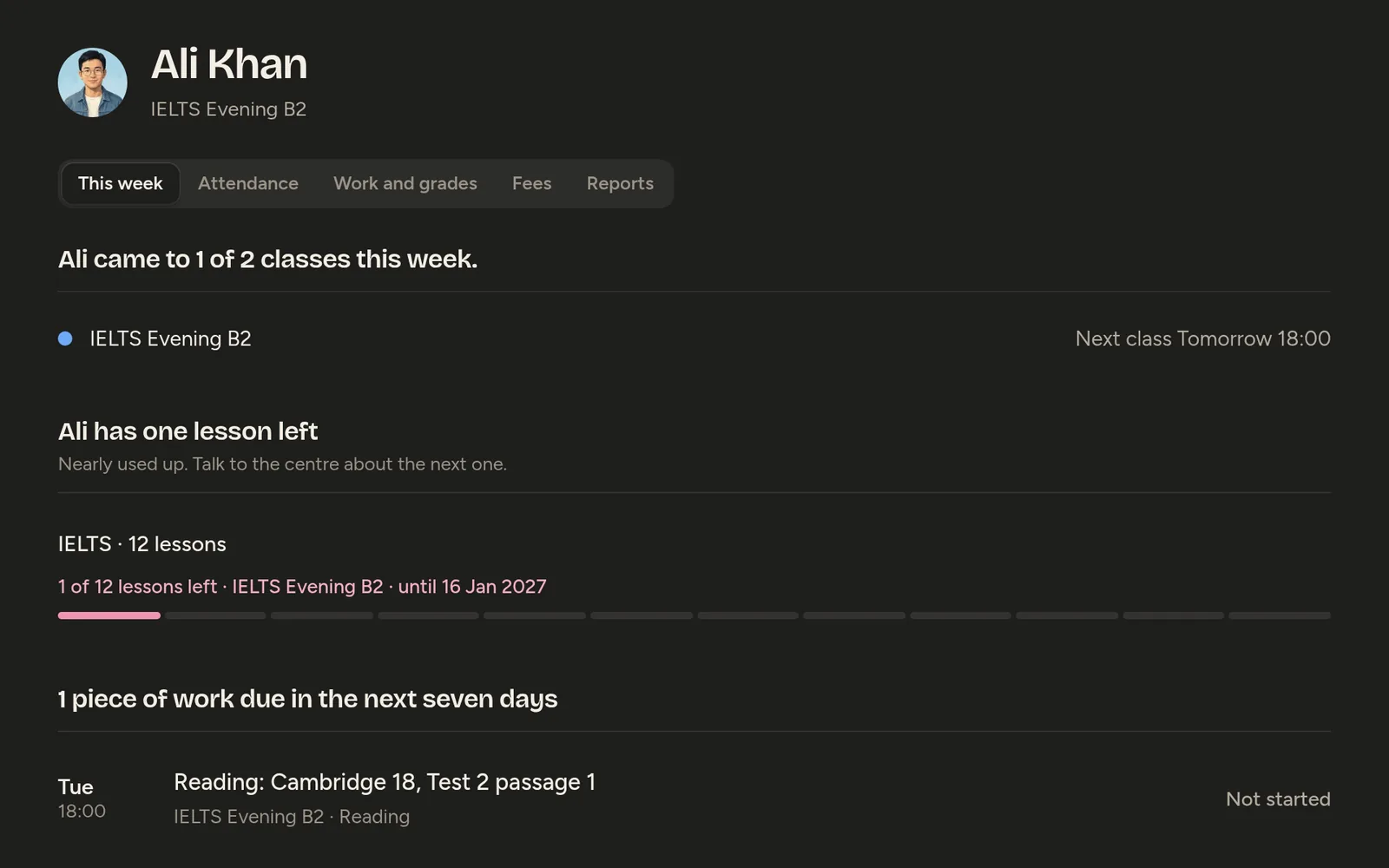
Everyone at the centre uses it. Each sees their part.
The owner, managers, teachers, students and parents sign in to the same centre. Only students count as seats.
Switch on what you use. The rest disappears.
Everything below is a module a manager can turn off in Settings, except groups and people. Off means gone from everyone’s menus, not a greyed-out button.
Everything is on. Turn a module off to see the menu change.
- GroupsAlways on
Classes with a lead teacher, a room, dates, a meeting link, a fee and a join code. Each has its own course.
- Schedule
Weekly slots make the sessions. Moves and substitutes in one week view, with a warning when a room or teacher is booked twice.
- Attendance
Present, late, absent or excused in two taps, with an email to parents on an absence.
- Assignments
Homework, quizzes and tests from a question bank, with timers, attempts and shuffling.
- Gradebook
Weighted categories in your scale, a CSV export, and who hasn’t handed in across every class. Only a teacher’s save makes a grade.
- Feed and comments
Announcements, posts and questions for a group or the whole centre, with moderation.
- Messages
One-to-one and group conversations within your rules. Email to parents waits until your quiet hours end.
- Parents
Parents’ contacts, a weekly digest, and a monthly report with your logo and a teacher’s comment.
- Fees, packages and pay
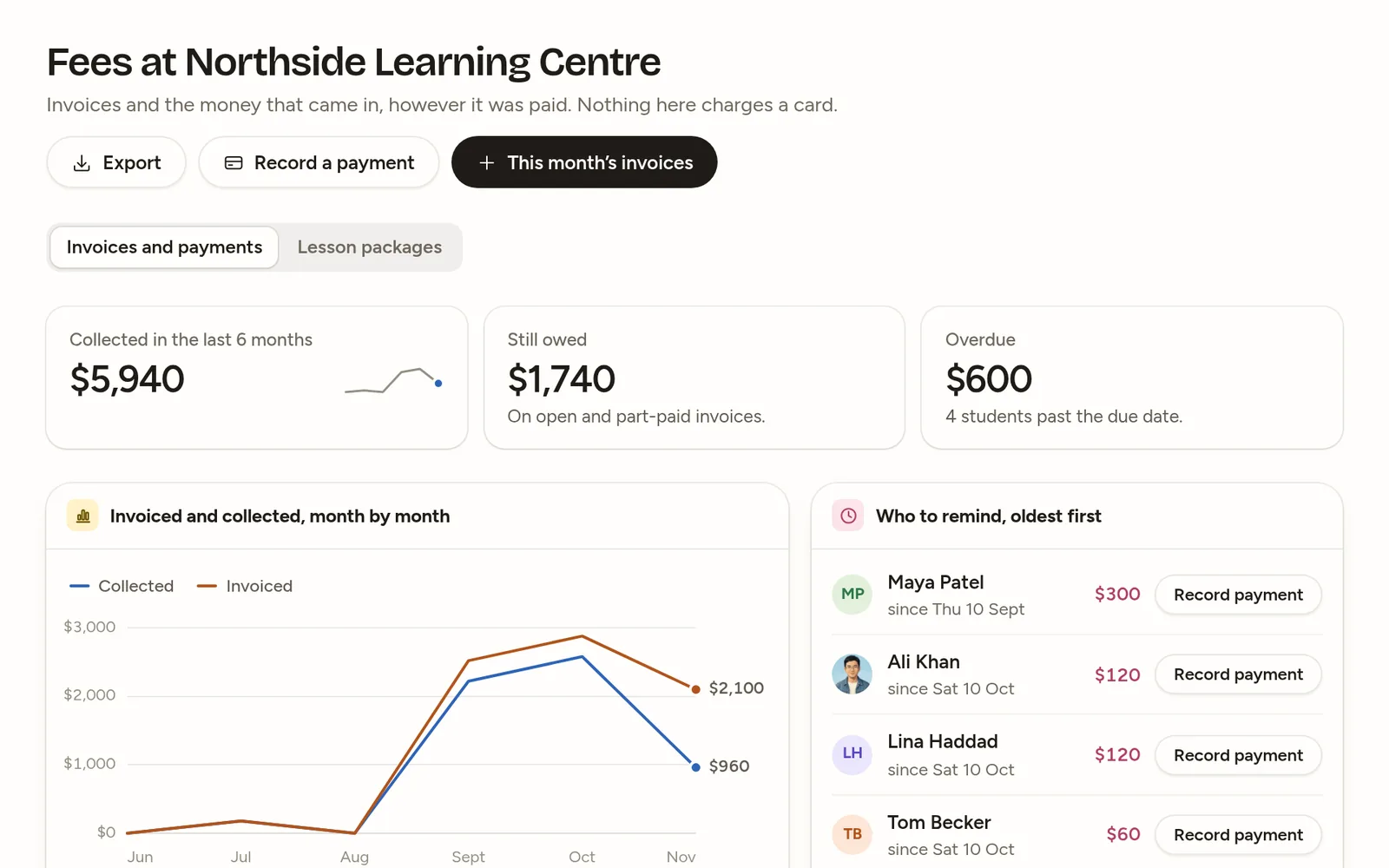
Invoices and payments, prepaid lesson packages the register uses up, and teacher pay from the classes held, with a CSV.
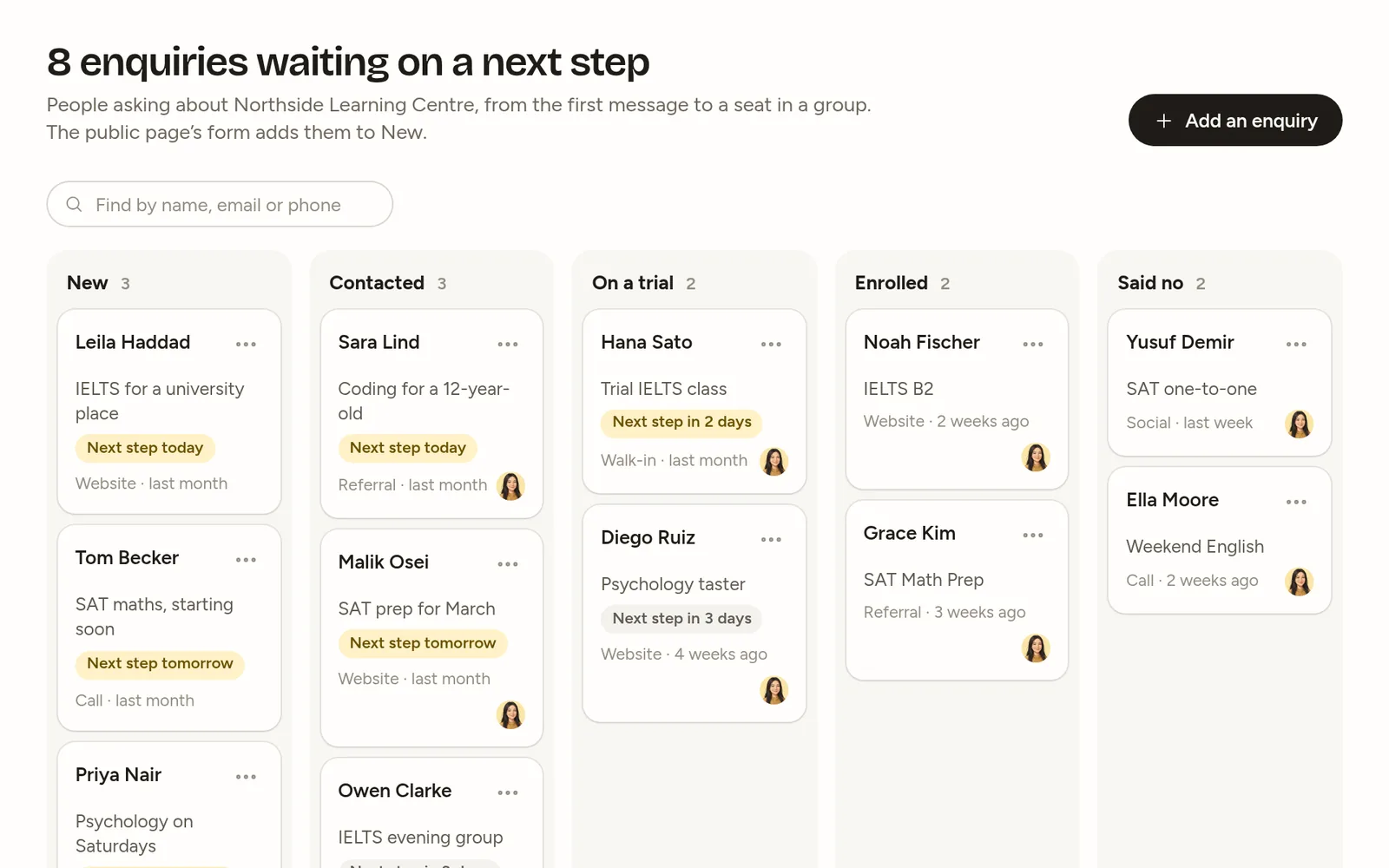
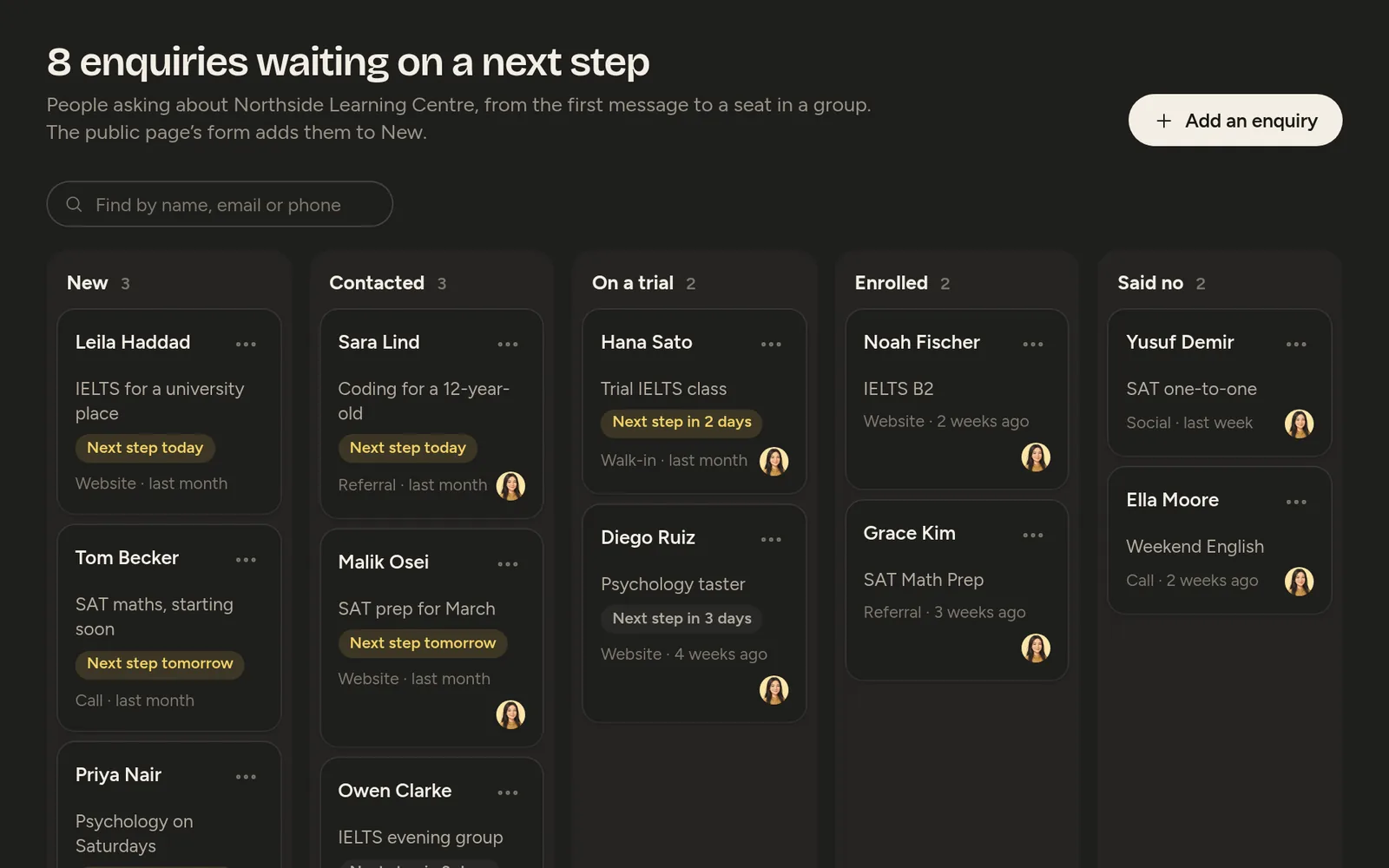
- Enquiries
New, contacted, trial, enrolled or lost, fed by your page’s form, enrolled in one step.
- Certificates
Issued per group, each with a public page where anyone can check it’s real.
- Public page
Your centre at bilimind.com/c/your-name: open groups with their schedule and fee, and a form.
- AI for teachers and students
Questions drafted, marks and report comments suggested, students’ own lessons. Paid from your pool.
- Analytics
Students in and out, attendance and homework trends, money, and who’s at risk, with the reason and a button to message the parent.
- Always there
Email invitations, a handover when a teacher leaves, an audit log of staff changes, and a full export of the centre’s data for the owner.
Moodle and Classroom hand out work. BiliMind runs the centre too.
Both are good at homework and grades. Neither is built for a timetable, parents or fees, so centres keep a spreadsheet and a group chat beside them. BiliMind has all of it in one app.
| What a centre needs | Moodle | Google Classroom | |
|---|---|---|---|
| A timetable and meeting links | Weekly times, rooms and links, with a warning on double bookings | A calendar, no timetable | Only through Google Calendar |
| Attendance | Two taps, and parents are emailed on an absence | With a plugin | Not built in |
| Homework, quizzes and tests | Timers and attempts, questions drafted from your lessons | Yes, very configurable | Assignments, and quizzes in Google Forms |
| A gradebook | In your scale, with a CSV export | Yes | Yes |
| Parents | Absence emails, a weekly note and a monthly report | A parent role an admin sets up | Email summaries |
| Fees and lesson packages | Invoices, payments and prepaid lessons, recorded; cards aren’t charged yet | No | No |
| A study plan for each student | Homework on their week, short checks, and how ready they are for a test | No | No |
| Price | $1 per student a month, from $29; teachers and parents free | Free to host yourself; MoodleCloud from about $160 a year | Free for qualifying schools |
Moodle’s and Google Classroom’s features and prices as published in November 2026.
Ready the same afternoon. Three steps, no technician.
Nothing to install and no migration project. Whatever the centre records, the owner can download at any time.
- 1
Make your centre.
Its name, time zone and currency. The 30-day trial starts there, without a card.
- 2
Add a group.
A teacher, the weekly times, a room or a meeting link. Its course comes with it.
- 3
Invite people by email.
Teachers, students and parents get an invitation and sign in with Google or their own email.
Pay for students in class. Teachers and parents are free.
One price per student a month, counted from students in a current group. Every plan has every teaching feature; the paid ones add the business side and AI.
$0a month
Up to 3 groups and 40 students
- Groups, schedule, attendance, assignments and the gradebook
- The class feed, messages and parents’ emails
- AI with your own key or credits
- No fees, packages or teacher pay, enquiries, certificates, public page or branding
Starts as the 30-day Centre trial, then stays free.
$1per student a month
$29 a month minimum
- Everything in Teacher, with no limit on groups or staff
- Fees, lesson packages and teacher pay
- Enquiries and certificates
- Your logo, colour and public page
No card for the trial. It comes with $1 of AI; the full pool starts when you pay.
$2per student a month
$199 a month minimum, or invoiced yearly
- Everything in Centre
- Invoice billing and a signed data processing agreement
- Help moving in, and priority support
- On request: single sign-on beyond Google, LTI 1.3, your own domain
It goes to a person, not a queue.
A seat is a student in a current group, enrolled or on a trial place. Students who left, parents, teachers and managers don’t count.
Prices in US dollars, before tax. Centre is paid by card, monthly or yearly, with an invoice for every payment. Stop paying and the centre moves to the Teacher plan with all its data.
A student in a current group, enrolled or on a trial place. Students who have left, parents, teachers and managers don’t count, and there is no limit on staff.

Talk to a person before you decide.
Tell us about your centre and what you use today. We’ll answer your questions and, if you like, set up the trial with you: your groups, your roster, your timetable.
Or start the 30-day trial yourself